Sewing patterns made to your measurements
Enter a few measurements and every Sewly pattern is drafted for your body, with the ease the garment needs. No grading between sizes, and no guessing which size to cut.
Your pictures stay private and are only used to make your pattern.
- 1
Measure with a tape
Follow the measuring assistant: height, bust, waist and hip to start, then any other measurements it asks for. Wear thin clothes, keep the tape level and snug but not tight, and measure twice. Ask someone to help with the back measurements if you can.
- 2
Choose a garment
Pick a pattern from the library, upload a photo, paste a Pinterest or Instagram link, or describe what you want. The pattern is drafted to your measurements straight away, with the ease of the fit you choose. Bags and cushion covers use their own sizes instead.
- 3
Check it in 3D
Look at the garment on a mannequin built from your measurements. Change the length, fit or any other option and the pattern redraws instantly. Compare the finished garment measurements with your body to see how much ease you are getting.
- 4
Print, sew and refine
Print the pattern at true scale and sew it, or make a toile first for a close-fitting garment. If something needs changing, adjust the measurement in your profile and print a new version of the pattern. Your profile keeps the change for every future pattern.
What is a custom-fit sewing pattern?
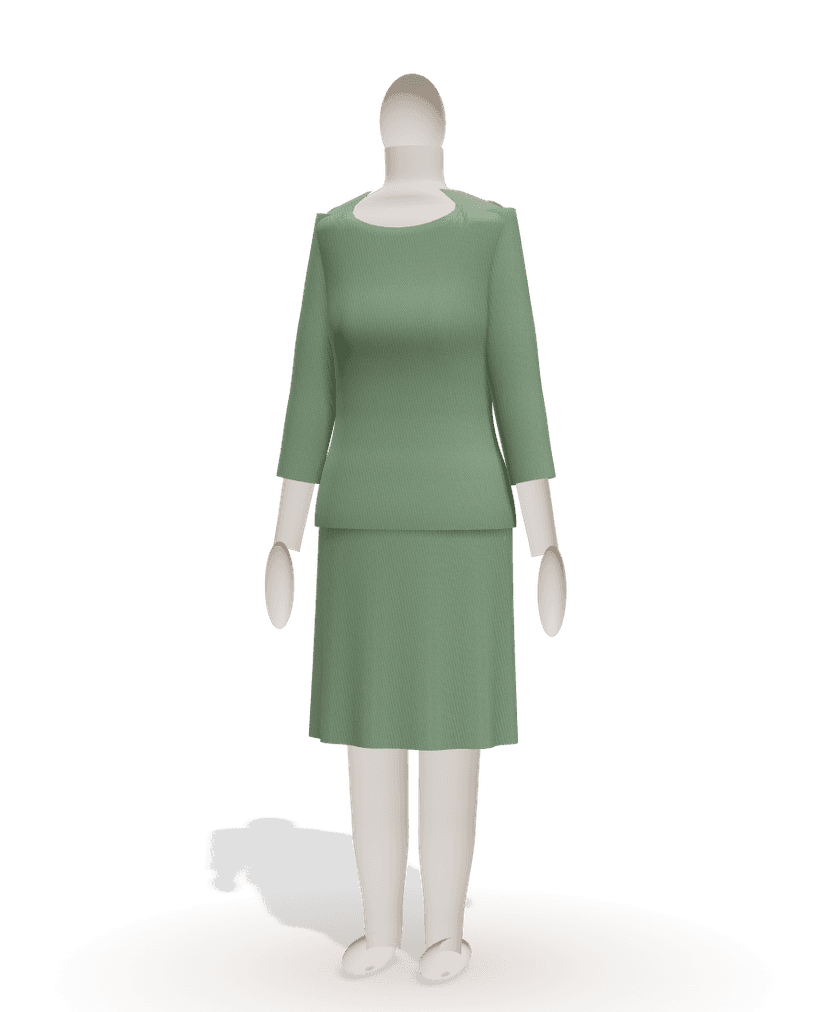
A custom-fit, or made-to-measure, sewing pattern is drafted from your own body measurements instead of a standard size chart. Sewly draws each piece from flat-pattern blocks using your numbers, then adds the wearing ease you need to move and the design ease of the style you chose.
A bust two sizes away from your hip, a long back or short legs are part of the draft from the start, rather than alterations you make to a printed size. Read why made-to-measure patterns fit better.
Which measurements do I need?
Four numbers are enough to start: height, bust, waist and hip. Sewly fills in the rest from the nearest standard size, and you can refine them one by one: back waist length, shoulder width, arm length, upper arm, waist to knee, crotch depth and more.
The more you measure, the closer the fit, especially for trousers and fitted bodices. See how to take your body measurements and the full list of body measurements.
A measuring assistant, not a body scanner
Sewly does not measure you from a photo. You take your measurements with a tape, and the measuring assistant explains each one: where the tape goes, how snug to hold it, whether to sit or stand.
It also checks the numbers for likely mistakes, such as a value far outside the usual range or a waist larger than the hip, which often means a measurement was taken in the wrong place or unit. Measuring on your own? Our post on measuring yourself alone helps.
The right ease for each garment
A pattern drafted to your exact measurements, with nothing added, would be too tight to wear. Ease is the extra room added on top, and it differs by garment and by fit.
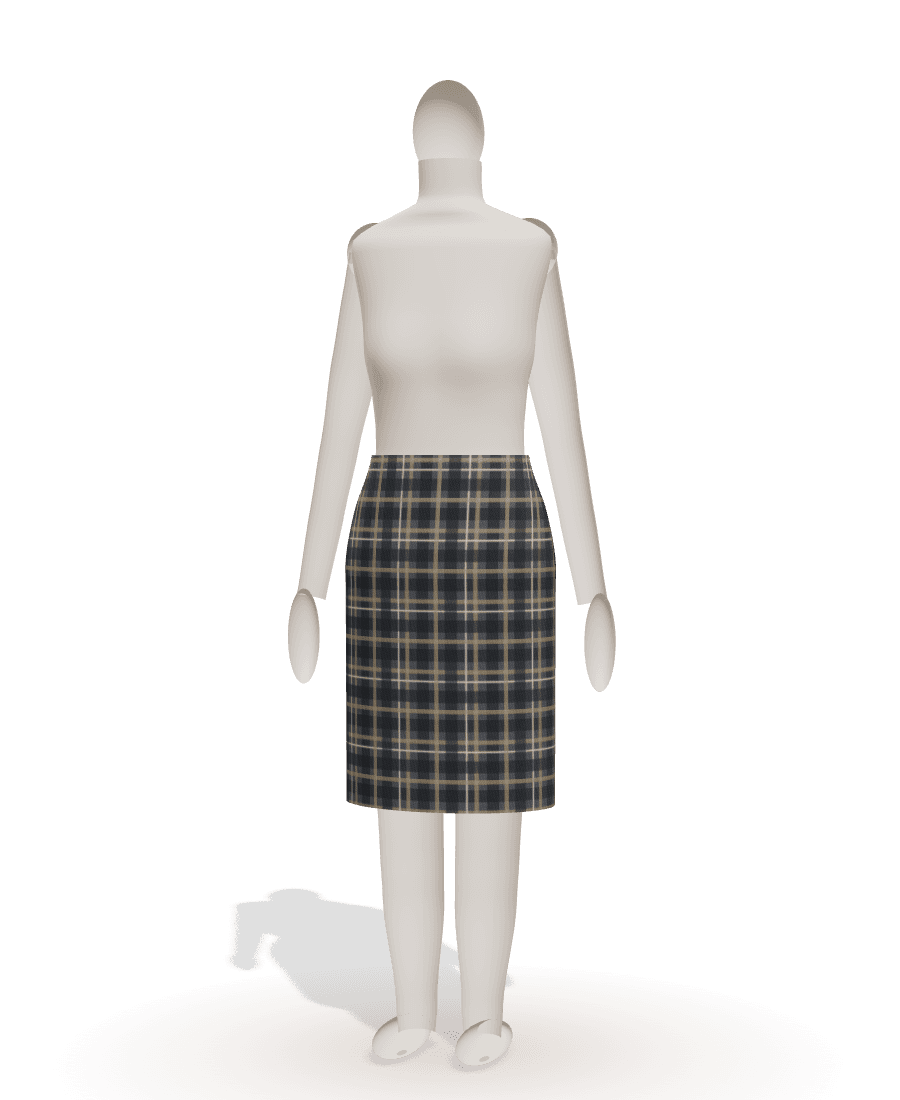
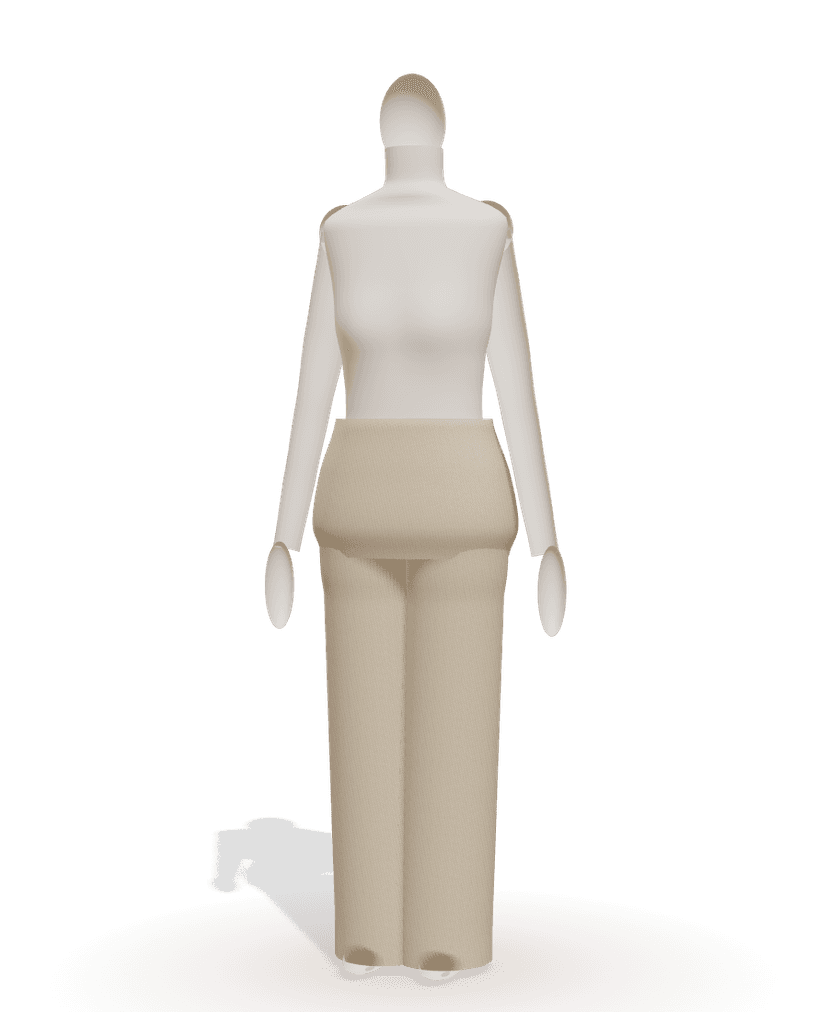
Sewly adds it for you: close for a pencil skirt, generous for a sweatshirt, with fitted, regular, relaxed and oversized choices where the garment offers them. Knits get less ease than wovens, since they stretch. Our guide to ease in sewing patterns explains the numbers.
Standard sizes when you prefer them
If you would rather start from a size, Sewly has women's EU 32–54 (US 0–22, UK 4–26), men's XS–3XL and children's 2–14 years.
You can switch to your own measurements at any time, or start from a size and change only the numbers that differ from it, such as your height or hip. The size charts show the measurements behind each size, so you can see how far your own numbers are from it.
Profiles for everyone you sew for
Save your measurements once and use them for every pattern. The free plan keeps one measurement profile, Maker keeps 5 (you, family, friends) and Atelier keeps as many as you need.
Changing a measurement redraws the pattern instantly, so after a toile you can correct a number and get an updated pattern straight away. The same profile works for every garment in the library, from a T-shirt to wide-leg trousers.
Frequently asked questions
Do made-to-measure patterns fit better than standard sizes?
Usually, because they start from your proportions rather than an average body. Standard sizes assume a set relation between bust, waist and hip; if yours differs, one size never fits everywhere. A pattern drafted from your numbers avoids that, though fabric and posture still matter.
Do I still need to make a toile?
For loose garments such as gathered skirts, T-shirts or kimono jackets, rarely. For close-fitting ones, like a pencil skirt or a fitted bodice, a quick toile in inexpensive cotton is still the surest way to check the fit before cutting good fabric.
What if I am between sizes?
With your own measurements, there are no sizes to be between. Sewly drafts to your bust, waist and hip as they are, even if they would fall into three different sizes on a chart.
Does it work for plus-size bodies?
Yes. The pattern starts from your measurements, whatever they are, and standard women's sizes go up to EU 54 (US 22, UK 26). Our post on sewing for plus-size bodies has more on fit.
Can Sewly measure me from a photo?
No. You measure yourself with a tape; the measuring assistant explains each measurement and checks the numbers for mistakes.
Can I make patterns for my children?
Yes. Choose a children's size from 2 to 14 years or enter the child's measurements, and save them as a profile.
What will you sew next?
Bring the picture. Sewly brings the pattern.
Your pictures stay private and are only used to make your pattern.